1. Log into your cPanel account.
2. In the "Advanced" section, click on "Cron Jobs" Icon.

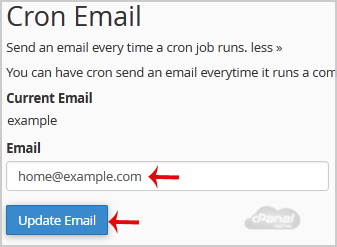
3. Under "Cron Email" you should enter your full e-mail address in text field.
4. Click on the "Update Email" Button.
If this article did not answer your question, our support team can help.
Contact support Browse all articles