
2. Under "Current Filters" you can see all of your existing filters. Click on "Delete" next to the appropriate filter name.
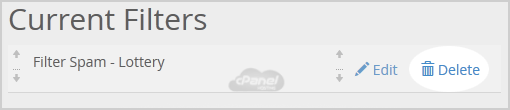
3. Click on the "Delete" button.
4. Now click on the "Delete Filter" button to remove your filter.
If this article did not answer your question, our support team can help.
Contact support Browse all articles